Fill Forward…
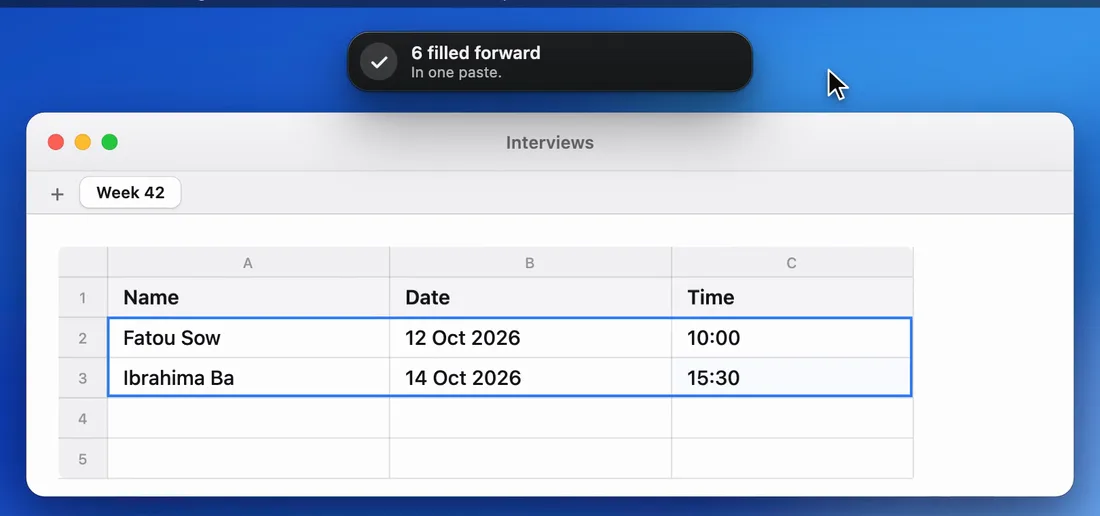
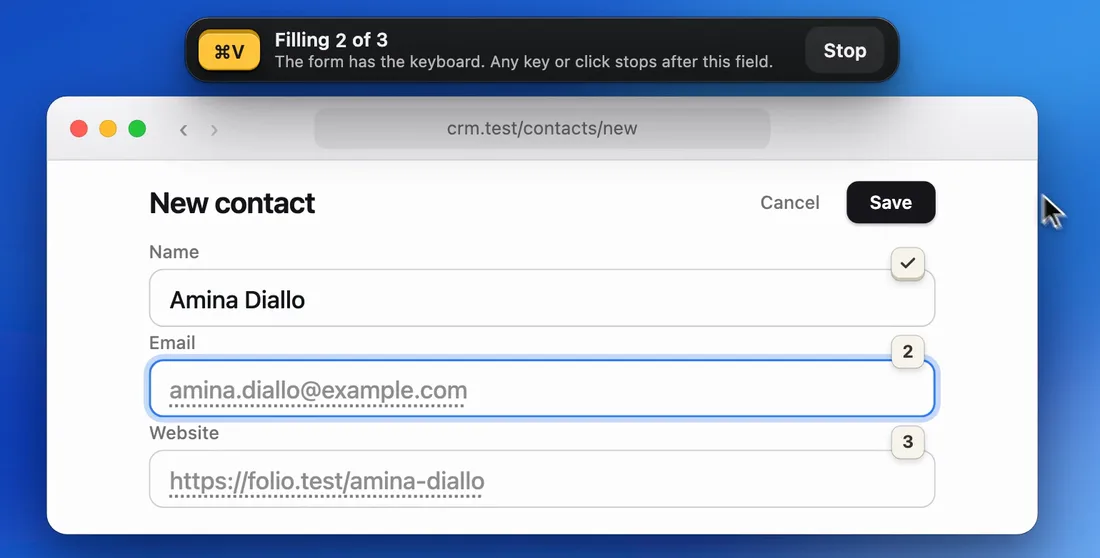
Your copies fill the form, field after field: Across. PasteHop presses Tab for you, and stops at any key or click.
In Numbers and Excel, it can also go Down a column or fill a Grid, in a single paste. Everywhere else, it goes Across.
 PasteHopfor Mac
Download
With Free, you press ⌘V in each field. With Pro, PasteHop goes from field to field and fills them for you. Any key or click stops it. It never presses Return, and it never presses Save.
$0with no time limit.
PasteHop is a Mac app. On your Mac, open pastehop.app.
$15one time. Not a subscription.
Pro is already in the app, locked. Payment is not open yet.
Pasting in order stays free, with up to 500 copies, same as Pro. Pro is for what you would rather not do by hand.
In the free version, each Pro command shows a lock. Click one and a card says what it would do, and its price. Nothing runs.
The pictures and clips below redraw PasteHop's real screens and words, with made-up sample values.
Your copies fill the form, field after field: Across. PasteHop presses Tab for you, and stops at any key or click.
In Numbers and Excel, it can also go Down a column or fill a Grid, in a single paste. Everywhere else, it goes Across.
Draw a box around a form. PasteHop shows on the form what will go in each field, before anything is filled. Then you press Fill.
It fills text fields only, up to 20 at once, never a password field, and it never presses Save.
Drag once over text on screen: a name, an email, a link. Each piece becomes a copy, in the order it is read, ready to paste.
Text in a picture is read on your Mac. Nothing is saved or sent.

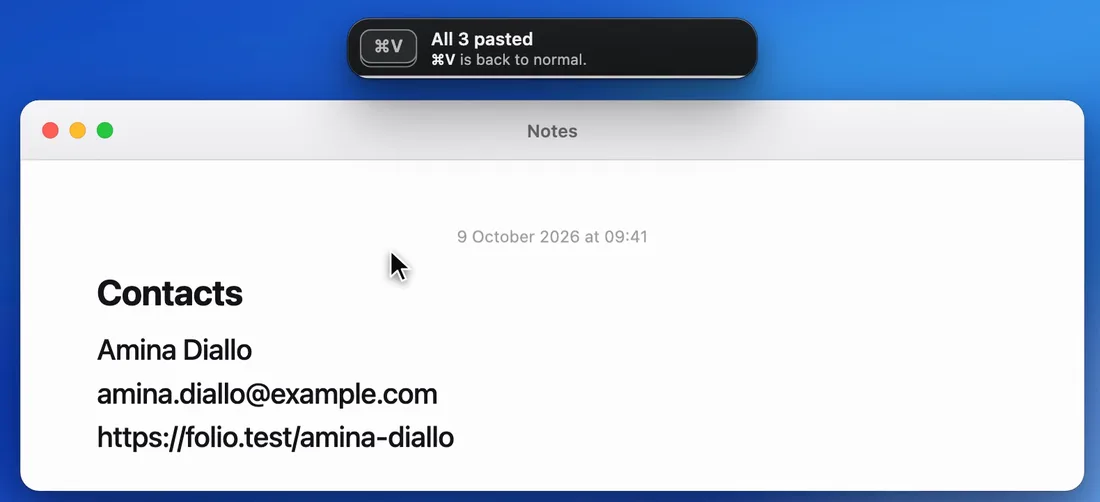
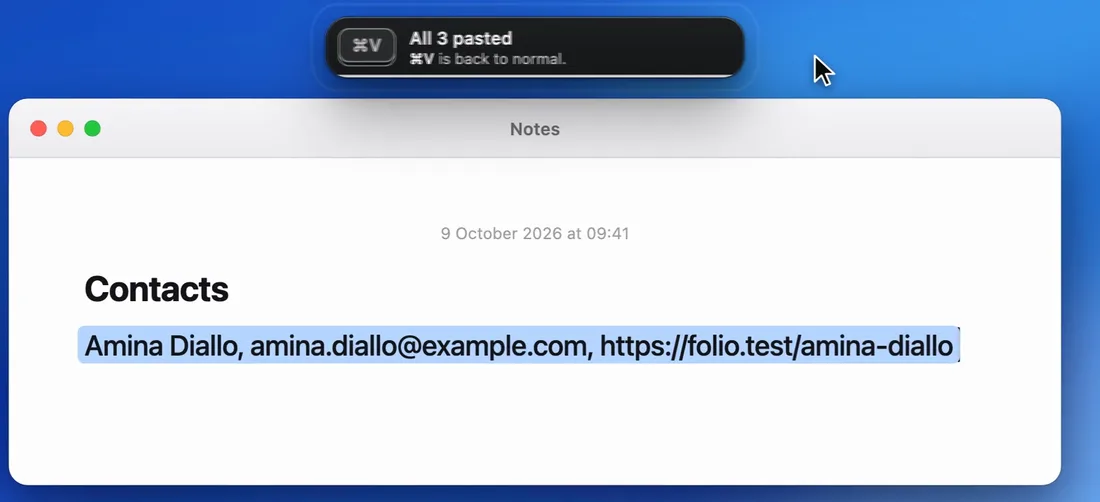
One click pastes everything you copied, each on its own line. Or choose the shape: one per line, one row, with commas, or as Name=Value pairs.
In the Email field, it pastes the email, even when the name would be pasted next.
A Pro setting, Press Tab after each paste: PasteHop presses Tab, so your next ⌘V lands in the next field. The bar then says Then Tab.
You stay in charge of every field, and every key stops it.
Destination Mode first shows, on the form, what will go in each field. During a fill, any key or click stops it.
Destination Mode reads the window's fields, Capture reads its text, and a sign shows for as long as it does.
Reading the text in a picture needs Screen & System Audio Recording, and macOS asks you first. Nothing is saved or sent.
Everything you do by hand is free: up to 500 copies, same as Pro, and no time limit.
| What you get | Free | Pro |
|---|---|---|
| Copy several things, then each ⌘V pastes the next one | Up to 500 | Up to 500 |
| See your copies, reorder them, Set as Next, Reverse Order, Start Over | Yes | Yes |
| Split a copy, find a copy, drop in, Clear Flow and Bring Back | Yes | Yes |
| Four looks: Dark, Light, Dark Glass, Light Glass | Yes | Yes |
| Fill Forward…, Destination Mode… | Locked | Yes |
| Capture…, Paste What Fits | Locked | Yes |
| Paste All, Paste All As…, Copy All as One Row | Locked | Yes |
| Then Tab (Press Tab after each paste), Records, lines kept as separate copies | Locked | Yes |
| Price | $0 | $15, one time |
No. The free version has no time limit, so you can judge PasteHop for as long as you like before you pay.
Payment goes through Polar, the service that sells PasteHop. You receive a license key to enter in PasteHop.
Only the license key. PasteHop sends it to Polar to check it: when you enter it, each time the app starts, and once a day while it runs. No clipboard content is included. The privacy page says the rest.
Yes. In Numbers and Excel, Fill Forward… goes Across a row, Down a column or fills a Grid, in a single paste. Everywhere else, including a spreadsheet opened in a browser, it goes Across, field after field.
PasteHop is a Mac app, and it is free. On your Mac, open pastehop.app.